Are you having trouble choosing a buzzer? Picking the wrong one can waste time and ruin your design. I'll show you how to select the perfect buzzer for your needs.
To choose the right PCBA buzzer1 , you must first decide between an active or passive type2. Then, check the required voltage, physical size, and sound output level (dB). Match these specifications to your project’s power source and alert requirements to find the best possible fit.

I remember meeting a client at a trade show a few years ago. He was an experienced designer, much like you, but for a new line of handheld data terminals. He was completely lost. The market in China has so many buzzer manufacturers, but not all of them have deep technical expertise. He didn't know how to pick the right component. Because I have a background as an acoustics engineer, I quickly understood his technical needs. I recommended a specific buzzer solution that fit his application perfectly. This solved his immediate problem and started a great long-term partnership. This experience showed me how vital it is to match deep knowledge with a client's specific needs. Now, I want to share some of that knowledge with you, so you can make the right choice every time.
Let's dive into the details.
What are the two kinds of buzzers?
Confused about the different buzzer technologies? Using the wrong type can mean your circuit simply won't work. I'll explain the two main kinds so you can choose correctly.
The two main kinds of buzzers are magnetic and piezoelectric. Magnetic buzzers use a coil and magnet to vibrate a metal disc. Piezoelectric buzzers use a special crystal that physically bends when voltage is applied, which creates the sound wave you hear.
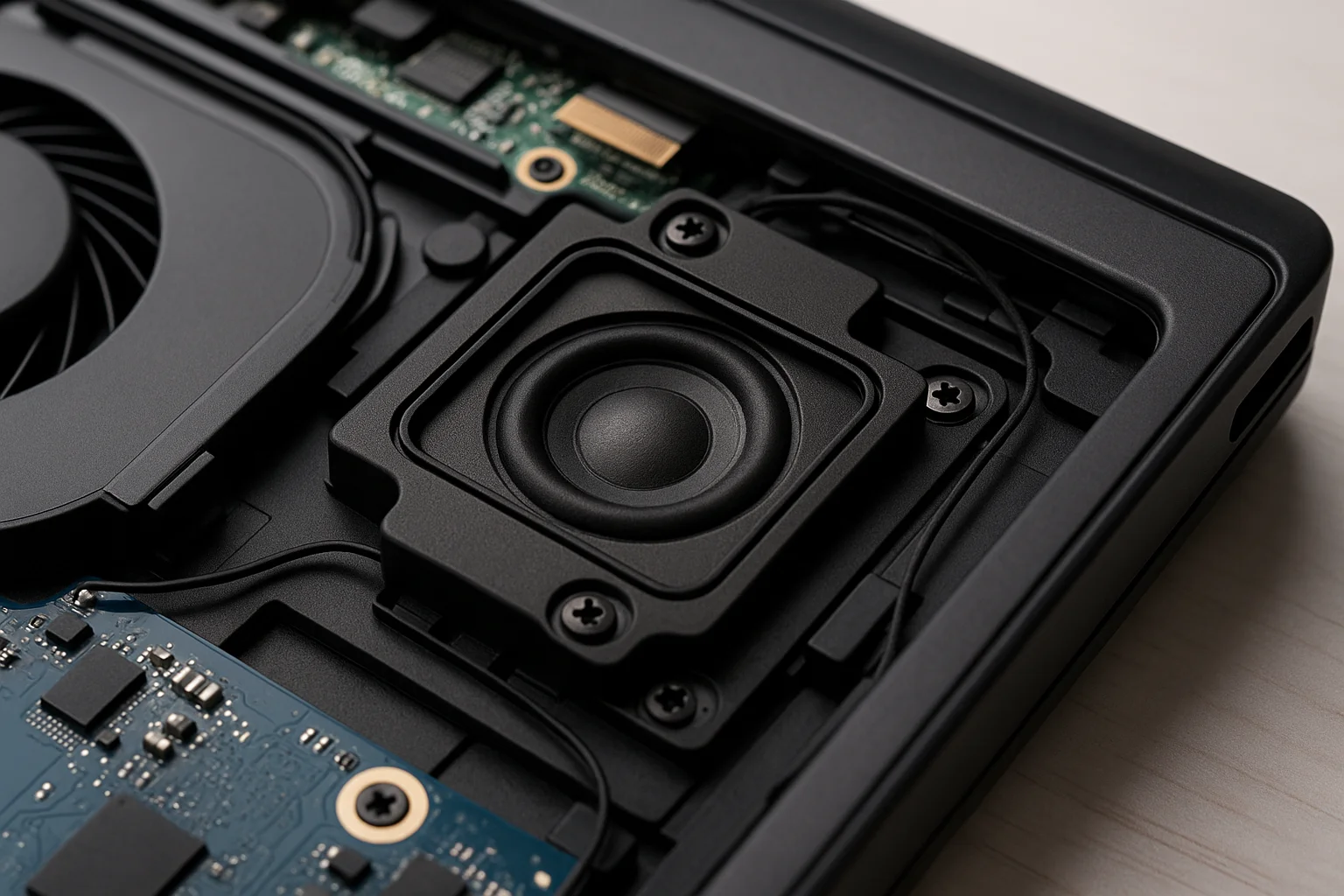
Choosing the right type of buzzer is the first and most important step. Both magnetic and piezoelectric buzzers3](https://uk.rs-online.com/web/content/discovery/ideas-and-advice/how-do-piezo-buzzers-work) make noise, but they do it in very different ways. This affects their performance, power usage, and how you use them in a circuit. Understanding this difference is key to your project's success.
Magnetic Buzzers
A magnetic buzzer works a lot like a tiny speaker. It has a coil of wire and a magnet. When you pass an electrical signal through the coil, it creates a magnetic field. This field interacts with the permanent magnet, causing a small metal diaphragm to vibrate back and forth rapidly. These vibrations create the sound waves we hear. They are great for producing loud sounds at lower frequencies and are very reliable.
Piezoelectric Buzzers
A piezoelectric (or piezo) buzzer uses a unique material. Certain ceramic crystals have a "piezoelectric effect." This means they change their shape when you apply electricity to them. The buzzer has a thin slice of this material attached to a metal plate. When you apply a voltage, the crystal bends. If you apply an alternating signal, it will bend back and forth, vibrating the plate and producing sound. Piezo buzzers use very little power and are very thin, making them perfect for compact devices like the PDAs you design.
Here is a simple table to compare them.
| Feature | Magnetic Buzzer | Piezoelectric Buzzer |
|---|---|---|
| Operating Principle | Electromagnetism | Piezoelectric Effect |
| Power Consumption | Higher | Very Low |
| Operating Voltage | Typically Lower (1.5V - 12V) | Wider Range (3V - 30V+) |
| Size / Thickness | Thicker | Very Thin |
| Frequency Response | Good at Lower Frequencies | Better at Higher Frequencies |
| Common Use | Doorbells, older electronics | PDAs, medical devices, alarms |
How much voltage does a piezo buzzer need?
Are you worried about providing the right power? Giving a buzzer the wrong voltage can damage it or lead to weak sound. Let's look at the typical voltage needs for piezo buzzers4.
Piezo buzzers are very flexible and can operate on a wide voltage range, usually from 3V to 30V DC. Some high-power models can handle even more. You alwys check the product's datasheet for the specific model's rated voltage and operating range.

Voltage is a critical parameter for any electronic component, and buzzers are no exception. Supplying a voltage that is too low might result in a sound that is too quiet or no sound at all. Supplying a voltage that is too high can permanently damage the piezo element. That's why I always tell my clients to start with the datasheet. It contains all the information you need.
Understanding Datasheet Specifications
When you look at a buzzer's datasheet, you will see two key voltage ratings.
- Rated Voltage: This is the voltage at which the manufacturer tested all the other specifications, like sound pressure level5 (SPL) and frequency. For the best performance, you should try to operate the buzzer at this voltage.
- Operating Voltage Range: This tells you the minimum and maximum voltages the buzzer can safely handle. For example, a buzzer might have a rated voltage of 12V but an operating range of 3V to 20V. This gives you flexibility in your design.
Common Voltage Scenarios
The voltage you need often depends on the application. A small buzzer in a handheld device might be designed to run directly from a 3.3V or 5V microcontroller supply. An industrial alarm in a factory, however, might need a 12V or 24V supply to be loud enough.
Here are some typical examples:
| Application | Common Voltage | Buzzer Type Example |
|---|---|---|
| Handheld PDA / Mobile | 3.3V or 5V | Small SMT Piezo Buzzer |
| Consumer Electronics | 5V or 9V | Through-hole Piezo Buzzer |
| Automotive Alerts | 12V | Panel-mount Piezo Buzzer |
| Industrial Alarms | 24V | High-SPL Piezo Buzzer |
For your work designing PDAs, you will most likely work with buzzers in the 3.3V to 5V range. Always confirm that your power supply can provide the current the buzzer needs, even though for piezos, it is usually very low.
Do buzzers need resistors?
Are you worried about connecting a buzzer to your microcontroller? It's smart to think about protecting your components. I will explain if and when a resistor is needed for a buzzer.
It depends on the buzzer type. Active buzzers with built-in electronics usually don't need a resistor. Passive buzzers are often driven by a transistor, which handles the current, so a separate current-limiting resistor6 is typically not necessary in the same way as with an LED.
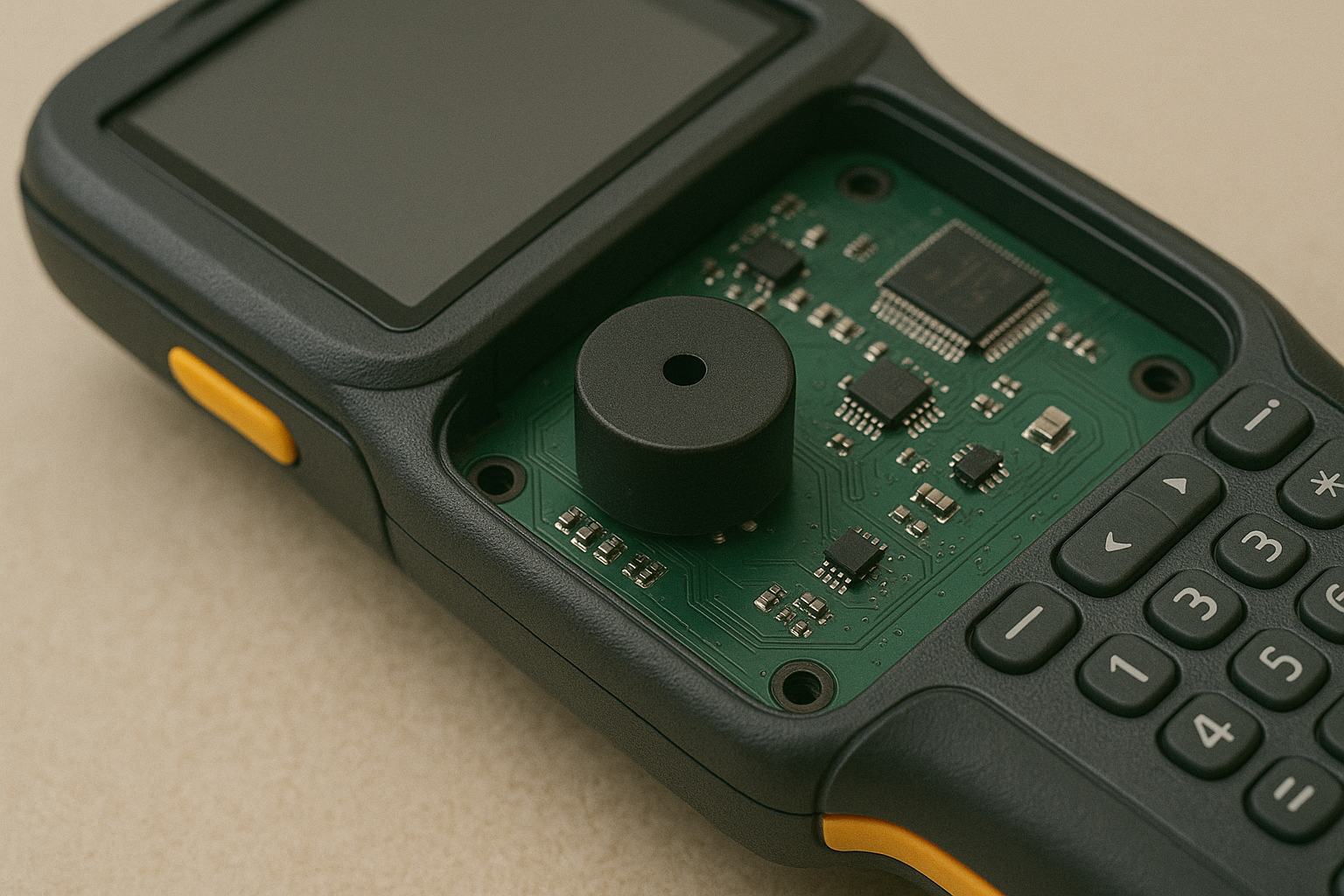
This is a common question, especially for people used to working with LEDs, where a current-limiting resistoris almost always required. A buzzer is a different kind of component. Its purpose is to convert electrical energy into sound, and it behaves differently than a simple light. Whether you need a resistor depends on what you are trying to achieve and what kind of buzzer you have.
Why It's Different from an LED
An LED has a very direct relationship between voltage and current. Without a resistor, it will try to draw a huge amount of current from your power source, which can destroy the LED and damage your microcontroller I/O pin. A buzzer is different.
- Active Buzzers: These have an internal circuit that regulates power. They are designed to be connected directly to a DC voltage within their operating range. They draw a specific, low amount of current listed in the datasheet (e.g., <30mA). Adding a resistor is usually unnecessary.
- Passive Buzzers: These act more like a capacitor. They don't draw a steady DC current. Instead, you drive them with a changing signal (a square wave). The main concern isn't limiting current with a resistor, but rather driving it effectively.
Driving a Buzzer with a Transistor
Most microcontroller pins cannot provide enough current to drive a passive buzzer loudly. They also aren't designed to handle the voltage spikes that can come from driving an inductive load like a magnetic buzzer or a capacitive load like a piezo. The standard solution is to use a simple transistor switching circuit. The microcontroller sends a small signal to the transistor, and the transistor switches the main power to the buzzer. In this setup, the transistor protects the microcontroller.
| Buzzer Type | Direct Connection to Microcontroller? | Resistor Needed? | Recommended Method |
|---|---|---|---|
| Active Piezo | Yes (if current draw is low) | No | Direct connection or via transistor |
| Passive Piezo | Not recommended | No | Drive with a transistor circuit |
| Magnetic Buzzer | No | No | Drive with a transistor and flyback diode |
For your [PDA designs](https://www.numberanalytics.com/blog/efficient-pushdown-automata-design)7, using a small BJT or MOSFET transistor to drive the buzzer is the safest and most reliable approach.
What is the difference between active and passive piezo buzzers?
Is your buzzer not making any sound when you connect it? You might have a passive buzzer but are treating it like an active one. I will clarify the key difference.
An active buzzer has a built-in oscillator circuit. You just apply a DC voltage, and it produces a beep at a fixed frequency. A passive buzzer is simpler; it needs an external AC signal, like a square wave from a microcontroller, to create sound.
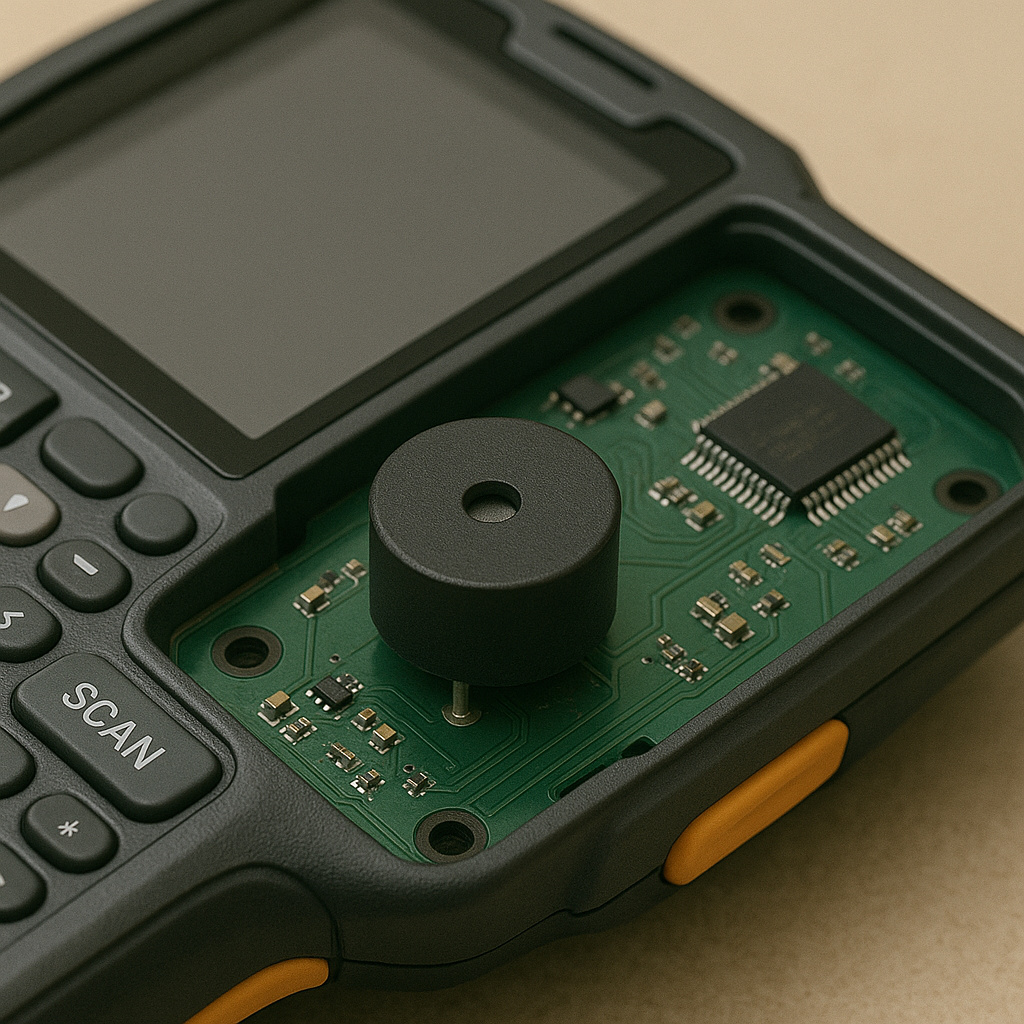
This is probably the most common point of confusion I see with new engineers and designers. Getting this wrong is frustrating because your circuit looks right, but it doesn't work. The difference is all about what is inside the buzzer's housing. Understanding this is essential for controlling the sounds in your project.
How an Active Buzzer Works
Think of an active buzzer as a complete sound system in a tiny package. It has the piezo element that makes the sound, plus a small integrated circuit that creates the signal. This internal circuit is called an oscillator. When you provide DC power, the oscillator automatically generates the square wave needed to make the piezo element vibrate.
- Advantage: Super simple to use. Just connect power and ground.
- Disadvantage: You can't change the sound. It will always produce the same tone at the same frequency. It's only for simple on/off alerts.
How to Use a Passive Buzzer
A passive buzzer is just the raw component: the piezo element mounted in a case. It has no brain. It relies on you to provide the signal that tells it how to vibrate. You must connect it to a pin on a microcontroller and use code to generate a square wave.
- Advantage: You have complete control. By changing the frequency of the square wave, you can make the buzzer play different notes. This allows you to create melodies or custom alert tones8.
- Disadvantage: It is more complex to implement. You need a free microcontroller pin and have to write the code to generate the tone.
For a PDA designer like you, the choice is clear.
| Feature | Active Buzzer | Passive Buzzer |
|---|---|---|
| Internal Circuit | Has built-in oscillator | No internal oscillator |
| Input Signal | Simple DC Voltage | AC Signal (Square Wave) |
| Sound Output | Fixed frequency tone | Variable frequency (you control it) |
| Ease of Use | Very simple (On/Off) | More complex (Requires code/PWM) |
| PDA Use Case | Simple error beep, low battery alert | Custom UI sounds, ringtones, melodies |
If your PDA just needs a basic "beep" for a barcode scan, an active buzzer is easy. If you want different sounds for notifications, errors, and confirmations, you must use a passive buzzer.
Conclusion
Choosing the right buzzer means matching active or passive types to your needs. Always check voltage and other datasheet specs. This ensures your project sounds perfect and works reliably.
Explore this link to understand the significance of PCBA buzzers in electronic designs. ↩
Learn about the key differences to make an informed choice for your project. ↩
Understand the technology behind piezoelectric buzzers and their advantages. ↩
Explore the voltage requirements to ensure optimal performance of piezo buzzers. ↩
Learn about SPL and its importance in selecting the right buzzer for your needs. ↩
Understand the role of resistors in buzzer circuits to protect your components. ↩
Get insights into effective buzzer integration in PDA designs. ↩
Discover techniques for generating unique sounds using buzzers in your projects. ↩